
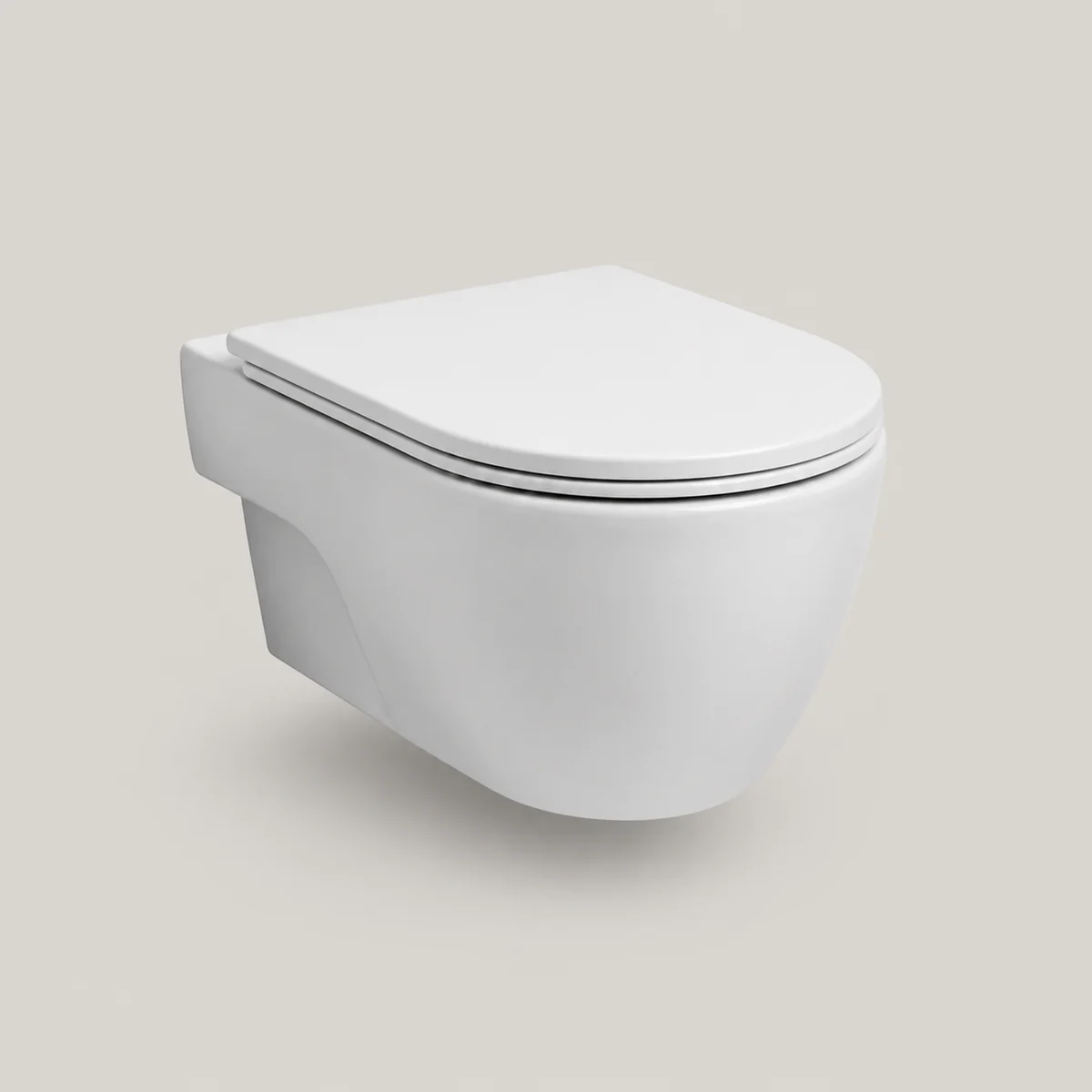
Wall hung wc 2
wall-hung-wc-2
dresses furniture:toilet
— and nothing else. Appearance is invisible to the drawing set, so adding this changes no
plan, no section and no elevation.
Used in examplesCourtyard KindergartenCorner Café — Retail ParadeChandler Pool — Desert CourtyardWintergarden WorkplaceNorthline Distribution WarehouseAster Court Hotel + SpaStudio ApartmentOne-Bedroom ApartmentTwo-Bedroom ApartmentCoffee ShopBistro RestaurantOpen-Plan Office
- 4of 500 meshes
- 1slot
- 1finish
Drag to orbit · scroll to zoom
$surface
This definition leaves
$surface
open, and a look line fills them. Every combination is one body — same
geometry, same selector, same sheets — so the block below rewrites itself as you pick.
Only materials are slottable: a size would have to agree with the plan, so it stays on
the entity.
Generated views
The body and its drawing evidence
The A-101 panel is the built-in plan symbol at its default envelope, not
a top-down image of this lookdef. The deterministic renders check the
body's footprint, structure and depth. Geometry, material and the
selected finish stay unchanged.
Paste this
Every part: the 1 materialdef the body resolves to, then the definition. Copying the lookdef alone still compiles and still validates — it just renders grey.
{"t":"materialdef","id":"pal-ceramic","of":"ceramic","value":92}
{"t":"lookdef","id":"wall-hung-wc-2","for":"furniture:toilet","desc":"Wall-hung toilet with a curved oval pan, closed seat, and clear floor gap.","slots":{"surface":"pal-ceramic"},"body":{"type":"Group","children":[{"type":"Mesh","material":"$surface","geometry":{"type":"RoundedBoxGeometry","width":0.36,"height":0.22,"depth":0.2,"radius":0.07,"segments":5},"position":[0,0.45,-0.18]},{"type":"Mesh","material":"$surface","geometry":{"type":"SphereGeometry","radius":1,"widthSegments":24,"heightSegments":16},"position":[0,0.43,0.08],"scale":[0.21,0.13,0.3]},{"type":"Mesh","material":"$surface","geometry":{"type":"RoundedBoxGeometry","width":0.4,"height":0.055,"depth":0.54,"radius":0.14,"segments":5},"position":[0,0.555,0.08]},{"type":"Mesh","material":"$surface","geometry":{"type":"RoundedBoxGeometry","width":0.37,"height":0.035,"depth":0.48,"radius":0.13,"segments":5},"position":[0,0.6,0.075]}]},"preview":{"projection":"perspective","azimuth":28,"elevation":18,"fov":34,"margin":1.06}}Or take the whole pack, which brings every entry and every material at once:
cat packs/interiors.ndjson model.ndjson > dressed.ndjson